PRESENTATION MODULE
Other Chapters
INTRODUCTION TO 2D AND 3D CAD2D SKETCHES (ASTM STANDARDS)DIMENSIONS AND CONSTRAINTS (ASTM STANDARDS)TOLERANCES (ASTM STANDARDS)SOLID MODELINGASSEMBLY MODELINGDRAWING VIEWPRESENTATION MODULESHEAR METAL COMPONENTSCAM (COMPUTER AIDED MANUFACTURING)PROCESS PLANNING
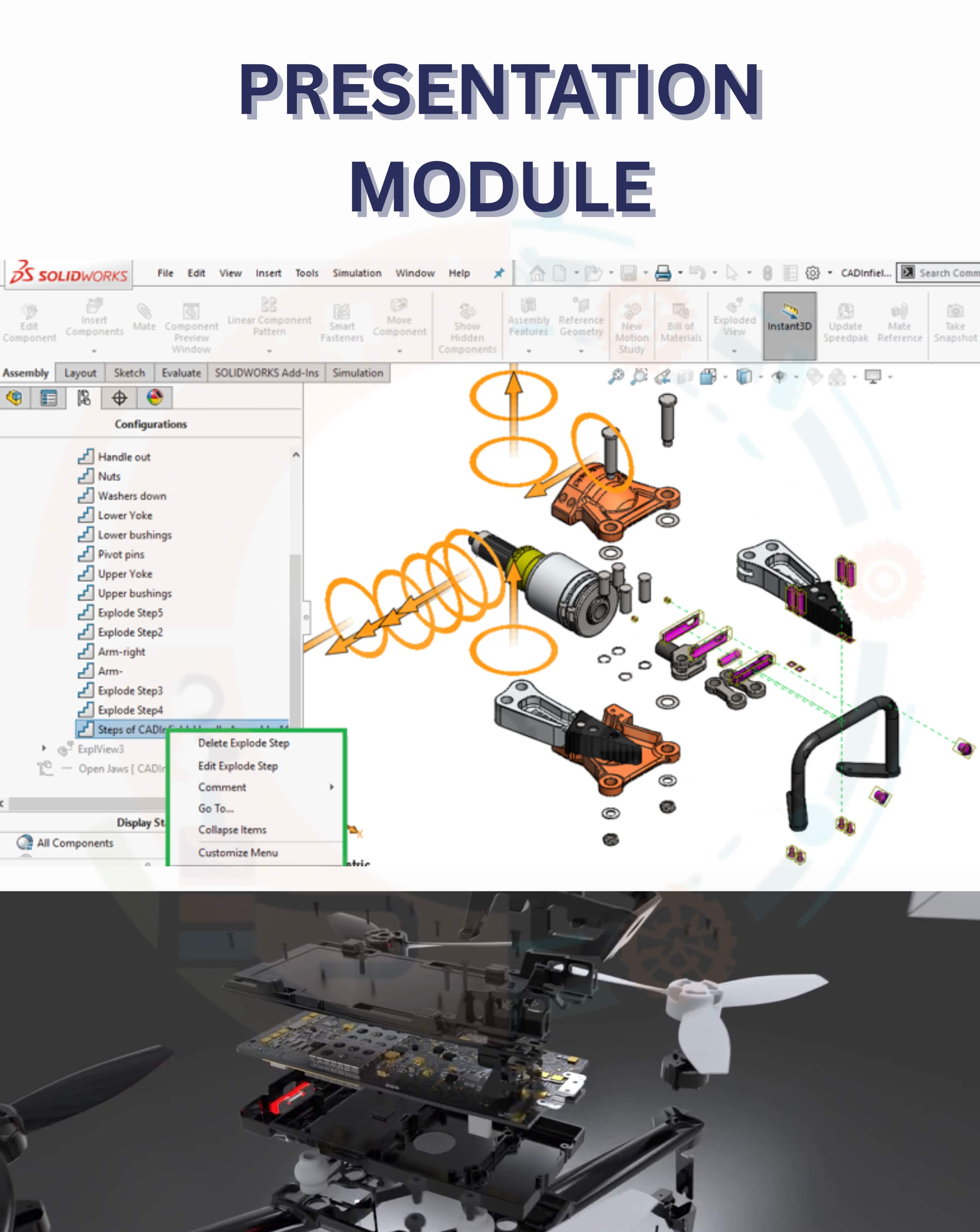
- Q1: Describe Exploded view.Ans: Exploded View shows an assembly with its components separated to visualize how parts fit together.
- Q2: Define animation.Ans: Animation is the process of creating motion or movement of components over time to demonstrate operation or assembly.
- Q3: Describe Assembly Animation.Ans: Assembly Animation is a video or motion created in SolidWorks showing how components move or are assembled/disassembled.
- Q4: Write any three options of the exploded property manager.Ans: Three options in Exploded Property Manager are as follows:
- ➔ Exploded Steps
- ➔ Exploded Direction
- ➔ Explode Line Sketch
- Q5: Describe Exploded Steps option.Ans: Exploded Steps allows you to create and manage individual movements for components in the exploded view.
- Q6: Describe Exploded Direction option.Ans: Exploded Direction sets the path or direction along which components are moved during an explosion.
- Q7: Write the procedure to create the Radial Explode View.Ans: The steps to create Radial Explode View are as follows:
- ➔ Open the assembly in SolidWorks.
- ➔ Go to ConfigurationManager and select Exploded View.
- ➔ Choose Radial Explode option.
- ➔ Select the center point or axis for radial movement.
- ➔ Adjust the distance for components to move outward.
- ➔ Confirm to create the radial explode view.
- Q8: Write the procedure to create the Regular Explode View.Ans: The steps to create Regular Explode are as follows:
- ➔ Open the assembly in SolidWorks.
- ➔ Go to ConfigurationManager and select Exploded View.
- ➔ Select the components to move and the direction of movement.
- ➔ Specify the distance for each component.
- ➔ Add additional steps if needed to complete the explosion.
- ➔ Confirm to finalize the regular exploded view.