

Top Architecture Software Every Student Must Know | Pakistan 2026
Learn the essential architecture software every student must know, from AutoCAD to Lumion, for drafting, modeling, and visualization in Pakistan.
By Mr. Muhammad Imran Babar8 min read
Introduction — Essential Digital Tools for Architecture Students in Pakistan
For architecture students in Pakistan in 2025, mastering digital design software is no longer optional — it is the baseline requirement for academic success, internship placement, and long-term career growth. Modern architectural projects depend on software for drafting, 3D modelling, rendering, visualisation, BIM documentation, and client presentations at every stage of the design process.
This guide covers the 7 essential architecture software tools every Pakistani student must know in 2025 — from AutoCAD and Revit to Blender and Lumion — with key features, practical learning tips, a recommended study sequence, and career context specific to Pakistan's architecture and construction industry.
7
Essential Tools Covered
3
Free Software Options
2025
Pakistan Industry Context
AutoCAD — The Foundation of Architectural Drafting
EssentialBest for:2D Drafting & Documentation
Learning curve:Moderate
Cost:Paid / Free student licence
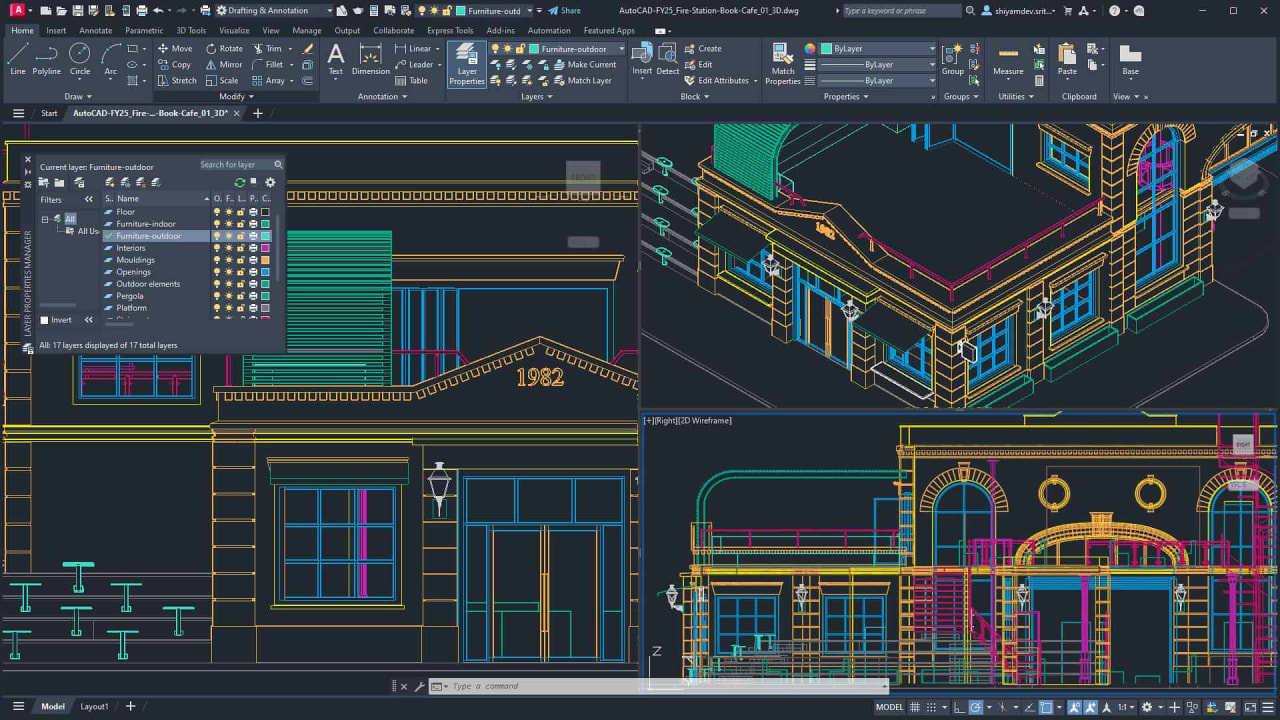
AutoCAD is the industry-standard drafting software used in almost every architectural firm in Pakistan. It creates precise 2D drawings and 3D models and is the non-negotiable starting point for every architecture and DAE student.
2D drafting and documentation — floor plans, sections, and elevations
3D modeling for early-stage conceptual visualization
Layer management for organised, professional drawing sets
Seamless compatibility with Revit, SketchUp, and BIM platforms
Customisable tool palettes and script automation for efficiency
Tip: Practice AutoCAD by drafting real-world buildings, academic projects, and converting hand sketches into precise digital drawings. Start with the Line (L), Offset (O), and Trim (TR) shortcuts.
Revit — BIM and Collaborative Building Design
Industry StandardBest for:BIM / Building Design
Learning curve:Steep
Cost:Paid / Free student licence
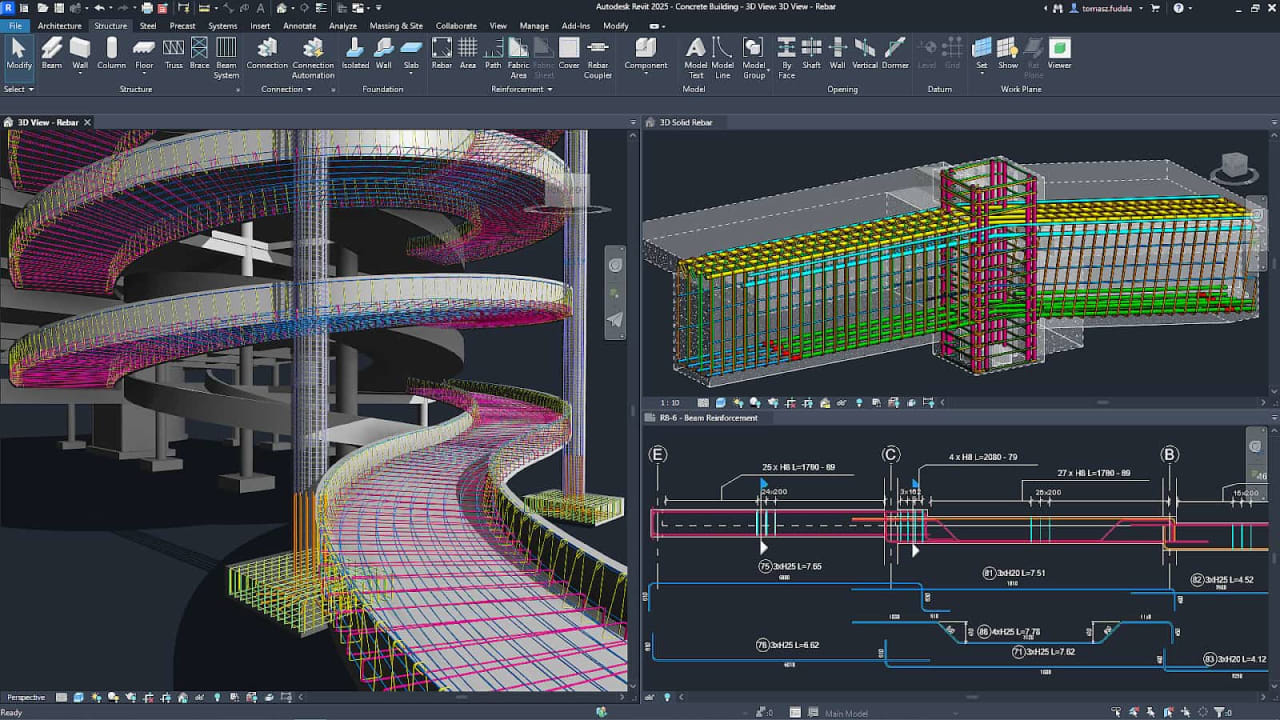
Revit is a Building Information Modelling (BIM) platform that enables students to design complex buildings with linked components — any change in one view updates every other view automatically. It is the standard for collaborative design across architecture, structure, and MEP disciplines.
3D parametric building elements — walls, floors, roofs, doors, and windows all linked
Real-time updates across all views for seamless collaboration
Accurate construction documentation, schedules, and quantity takeoffs
Energy analysis, clash detection, and sustainable design tools
Industry requirement for BIM-mandate projects in Gulf and European markets
Tip: Revit has a steep learning curve — approach it after you are confident in AutoCAD. Focus on families, views, and sheets in your first month.
SketchUp — Quick 3D Modeling for Conceptual Design
Beginner FriendlyBest for:Conceptual 3D Modeling
Learning curve:Easy
Cost:Free / Paid Pro
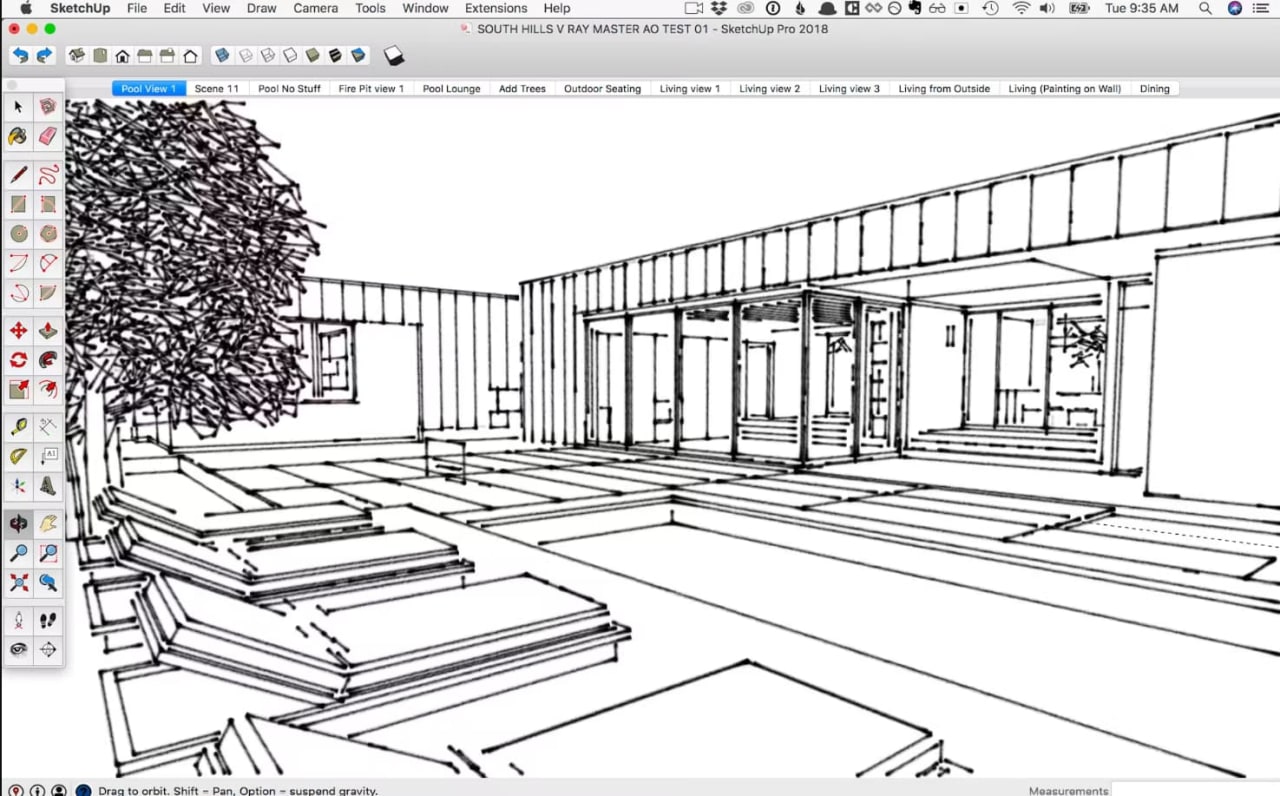
SketchUp is the go-to tool for rapid 3D massing and conceptual design studies. Its intuitive push-pull workflow lets students transform 2D plans into 3D volumes in minutes — making it ideal for early design exploration and client presentations.
Rapid 3D massing, massing studies, and concept prototyping
Interior and exterior visualisation with custom materials
Seamless integration with Lumion, AutoCAD, and Revit workflows
Extensive 3D Warehouse library of furniture, trees, and urban elements
Free web-based version ideal for students on a budget
Tip: Use SketchUp alongside AutoCAD — import your 2D floor plan from AutoCAD and extrude it into a 3D model in SketchUp for quick presentations.
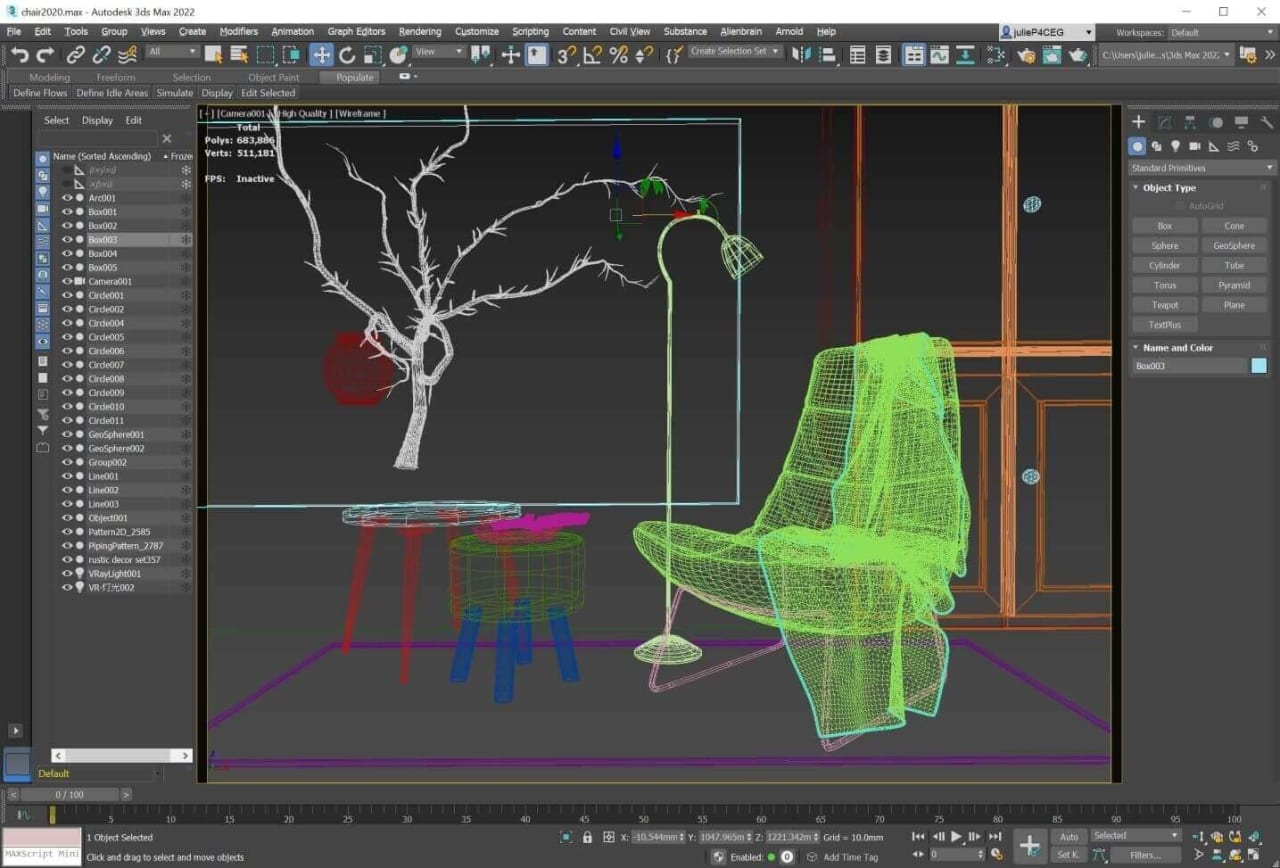
3ds Max — High-End Rendering and Architectural Visualization
AdvancedBest for:Rendering & Animation
Learning curve:Steep
Cost:Paid / Free student licence
3ds Max is the industry standard for photorealistic architectural rendering and animation. Students specialising in design presentations and visualisation use it to produce portfolio work that rivals professional studios.
Photorealistic rendering using V-Ray or Corona render engines
Cinematic walkthroughs and flythrough animations
Advanced material, texture, and lighting control
Detailed modelling for furniture, facades, and product design
Portfolio-quality output for competitions and design awards
Tip: Learn 3ds Max after SketchUp — import your SketchUp model into 3ds Max and focus on lighting and material setup first before tackling animation.
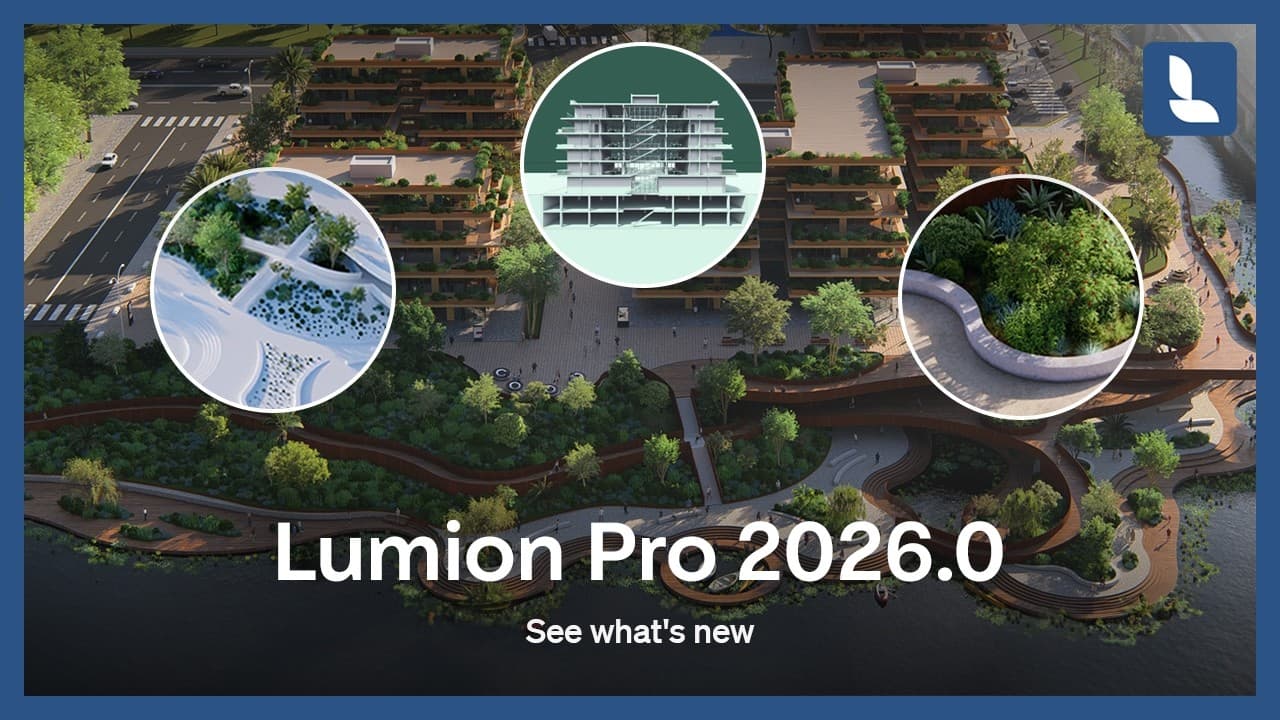
Lumion — Real-Time Architectural Visualization
Fastest RendersBest for:Real-Time Visualization
Learning curve:Moderate
Cost:Paid
Lumion dramatically cuts the time between 3D model and presentation-ready render. Its real-time engine produces cinematic images and videos in minutes rather than hours — making it the most practical visualization tool for student deadlines and design competitions in Pakistan.
Real-time rendering with instant visual feedback
Extensive material, plant, vehicle, and people library
Dynamic weather, sky, water, and environmental effects
Seamless LiveSync import from SketchUp, Revit, and 3ds Max
Movie-quality animations without complex camera setups
Tip: Lumion is the fastest route from model to render. Use it for final-year project presentations and competition boards where speed and visual impact both matter.
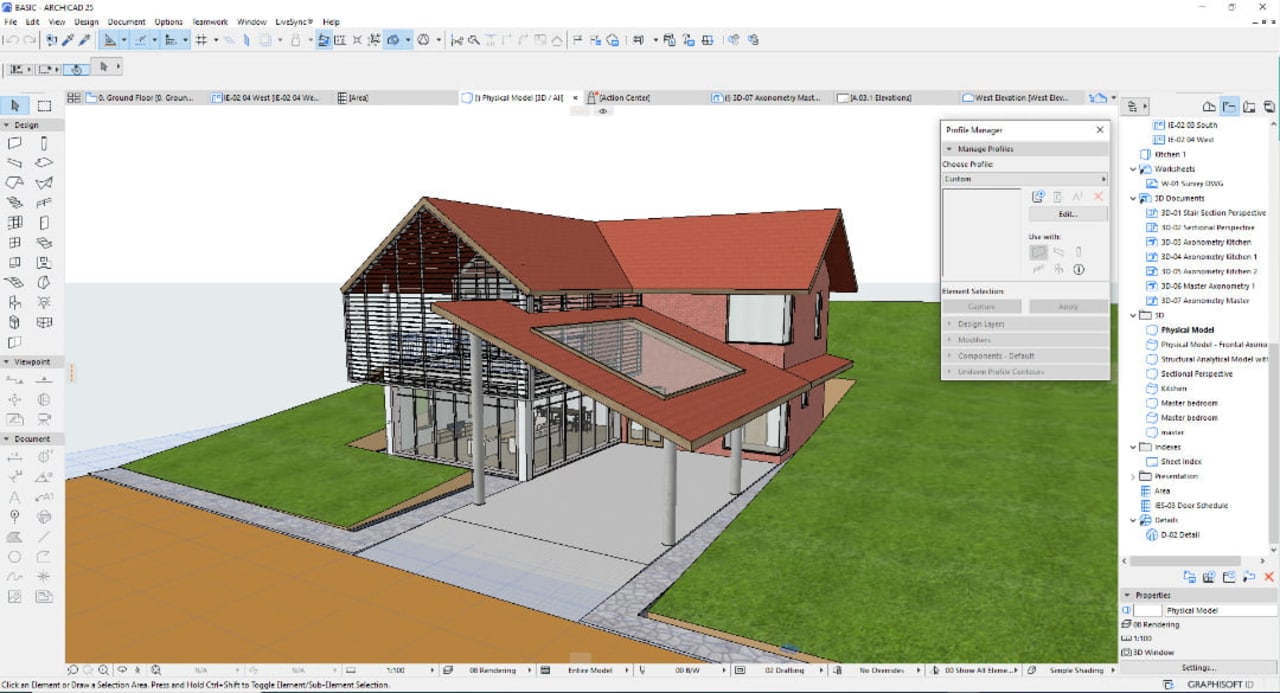
ArchiCAD — BIM-Focused Design Platform
BIM AlternativeBest for:BIM / Collaborative Projects
Learning curve:Moderate
Cost:Paid / Free student licence
ArchiCAD is a mature BIM platform with an architect-first workflow — unlike Revit which is engineering-team oriented. It handles complex architectural projects efficiently with a more intuitive interface, making it popular with design-focused firms across Europe and increasingly in Pakistan.
Integrated BIM workflow with full IFC export support
Parametric smart building objects and GDL scripting
Energy analysis and sustainability documentation tools
Teamwork module for real-time multi-user collaboration
Architect-friendly interface compared to Revit
Tip: ArchiCAD has a free Education licence — download it and use it for your final-year project as an alternative or complement to Revit.
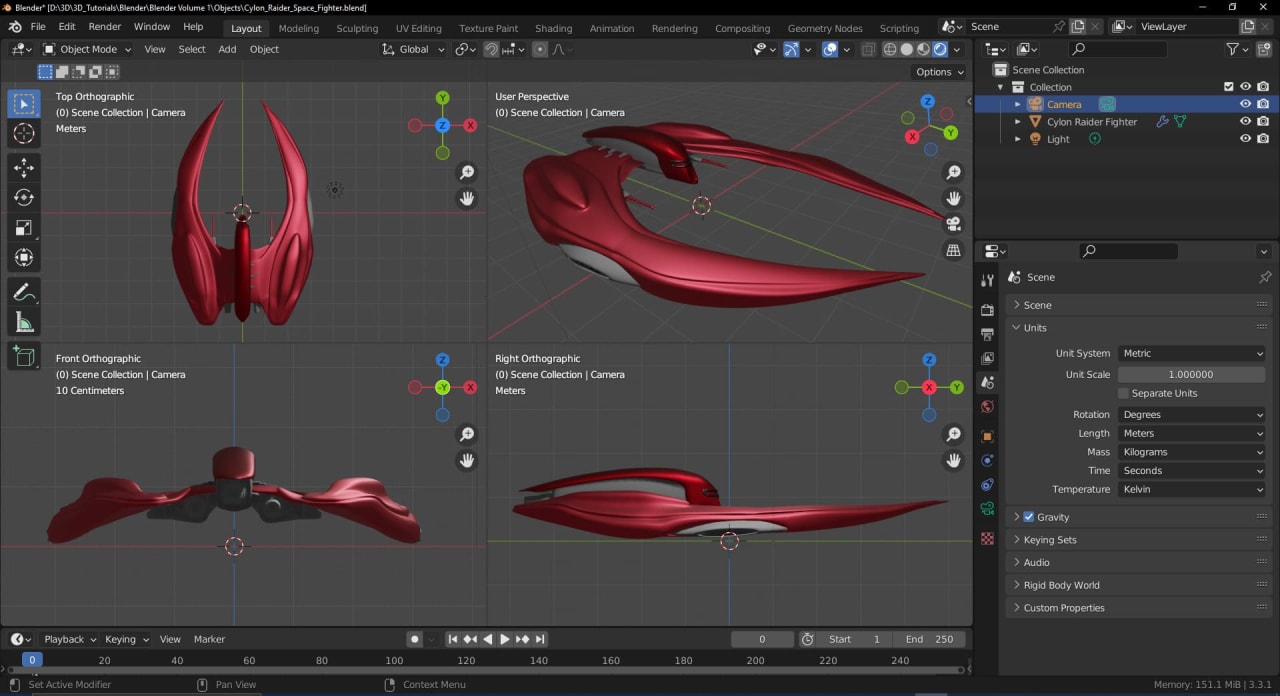
Blender — Free 3D Modeling, Rendering and Visualization
100% FreeBest for:3D Modeling & Animation
Learning curve:Moderate
Cost:Free (open-source)
Blender is a fully free and open-source 3D platform that rivals paid software for architectural visualization. Pakistani students who cannot afford Lumion or 3ds Max licences use Blender's Cycles and EEVEE render engines to produce professional-quality portfolio renders at zero cost.
Photorealistic rendering with Cycles and real-time EEVEE engine
Architectural visualization for interiors and exteriors
Animation, walkthroughs, and motion graphics
Flexible node-based material and lighting system
Active global community with thousands of free architecture tutorials
Tip: Blender's Geometry Nodes (introduced in v3.0) allow procedural modelling of facades, urban grids, and parametric structures — a skill increasingly valued in design firms.
Software Comparison — Quick Reference for Architecture Students
Side-by-side comparison of all seven tools across the factors that matter most to students in Pakistan:
| Software | Best For | Learning Curve | Cost |
|---|---|---|---|
| AutoCAD | 2D Drafting & Documentation | Moderate | Paid / Student free |
| Revit | BIM / Building Design | Steep | Paid / Student free |
| SketchUp | Conceptual 3D Modeling | Easy | Free / Paid Pro |
| 3ds Max | Rendering & Animation | Steep | Paid / Student free |
| Lumion | Real-Time Visualization | Moderate | Paid |
| ArchiCAD | BIM / Collaborative Projects | Moderate | Paid / Student free |
| Blender | 3D Modeling & Rendering | Moderate | 100% Free |
Recommended Learning Path for Architecture Students in Pakistan
Follow this sequence to build skills in the right order — each tool builds on the previous one and is immediately applicable to academic projects.
01
AutoCAD
Master 2D drafting — floor plans, sections, elevations
02
SketchUp
Build 3D massing studies from your AutoCAD drawings
03
Lumion
Render your SketchUp models into presentation-ready visuals
04
Revit
Transition to BIM for detailed building documentation
05
Blender / 3ds Max
Advanced rendering, animation, and portfolio work
Tips for Learning Architecture Software Effectively
Study habits that accelerate software mastery
- Learn one software at a time — complete a real project in AutoCAD before starting SketchUp. Context switching slows retention.
- Recreate real buildings — choose a building you admire (locally or globally) and model it from scratch. Real complexity teaches you what tutorials skip.
- Follow architecture-specific tutorials — YouTube channels like The B1M, ArchAdemia, and DesignCADemy focus on architectural workflows, not generic software demos.
- Combine software for full workflows — AutoCAD for 2D → SketchUp for massing → Lumion for rendering is the most common pipeline in Pakistani design offices.
- Build a portfolio project per semester — apply each new tool to one complete project so every skill has a tangible output to show employers.
- Join online communities — ArchDaily forums, Reddit r/architecture, and local Pakistan architecture Facebook groups provide peer feedback and real briefs.
Common mistakes architecture students make with software
- Trying to learn all seven tools simultaneously — depth in two tools beats surface knowledge of all seven.
- Skipping AutoCAD to start with SketchUp — 2D drawing fundamentals built in AutoCAD make every other tool faster to learn.
- Relying on toolbar clicks instead of keyboard shortcuts — professionals use shortcuts exclusively. Learn them from day one.
- Never exporting work — always export final drawings and renders to a portfolio folder. Unsaved work is invisible to employers.
Pro tip for Pakistani students: Autodesk offers completely free 1-year educational licences for AutoCAD, Revit, and 3ds Max via autodesk.com/education. Register with your university email address. Blender and SketchUp Free are permanently free. You can build a complete professional software stack at zero cost as a student.
Career Relevance — What Pakistani Employers Actually Expect
Architectural firms and construction companies in Lahore, Karachi, and Islamabad now list software proficiency as a primary filter in job advertisements. Graduates who cannot demonstrate AutoCAD and at least one visualization tool are passed over — regardless of their academic grades.
Architecture & Design Firms
- AutoCAD proficiency is the minimum baseline
- Revit / BIM skills command 15–25% salary premium
- SketchUp + Lumion for client presentation work
- Portfolio renders produced in 3ds Max or Blender
Gulf & International Projects
- Revit + BIM workflow is mandatory on Gulf projects
- AutoCAD for shop drawing and as-built documentation
- Lumion or 3ds Max for client-facing presentation visuals
- Blender increasingly accepted for high-end visualization
Which Software Should You Learn First?
Answer these three questions honestly — your answers will point you to the right starting point.
Q1: Are you a DAE Architecture student or in the first two years of B.Arch?
→ Yes:
Start with AutoCAD — it is assessed in every academic year and required by every employer.
→ No / Already done:
If you already know AutoCAD well, move directly to SketchUp for 3D skills.
Q2: Is your primary goal to get an internship at a Pakistani design firm this year?
→ Yes:
Focus on AutoCAD + SketchUp + basic Lumion — the three tools most firms test in interviews.
→ No / Already done:
If you are targeting Gulf engineering jobs, prioritise Revit/BIM skills above visualization.
Q3: Do you have a budget for software, or do you need free tools only?
→ Yes:
Use Autodesk Education licences (free) for AutoCAD and Revit, plus free SketchUp Web.
→ No / Already done:
Zero budget: AutoCAD (student licence) + SketchUp Free + Blender covers 90% of student needs at no cost.
Bottom line: Every architecture student in Pakistan should start with AutoCAD. Then add SketchUp for 3D and Lumion or Blender for rendering. Once you are job-ready, invest time in Revit to unlock BIM roles and Gulf opportunities. Depth in three tools beats surface knowledge across all seven.
Frequently Asked Questions (FAQs)
- Which architecture software should I learn first as a student in Pakistan?
- For beginners, start with AutoCAD to master 2D drafting and basic 3D modeling. Once comfortable, move on to SketchUp for conceptual designs or Revit for BIM-based projects.
- Is Revit better than AutoCAD for architecture students?
- Revit is focused on Building Information Modeling (BIM), while AutoCAD is ideal for precise drafting and 2D/3D plans. Both are essential skills for architecture students to succeed academically and professionally.
- Can I use free software for architecture projects and portfolios?
- Yes, Blender and SketchUp Free are excellent for students to create professional-grade visualizations and 3D models without investing in expensive licenses.
- Which software is best for high-quality architectural rendering?
- 3ds Max combined with V-Ray or Lumion is considered the best for realistic architectural rendering and animations, ideal for portfolio presentations and competitions.
- How can mastering architecture software improve my career in Pakistan?
- Proficiency in AutoCAD, Revit, SketchUp, and rendering software increases employability, helps build professional portfolios, and prepares students for internships, competitions, and modern architectural firms.
- How long does it take to learn architecture software effectively?
- With consistent practice, students can gain basic proficiency in AutoCAD or SketchUp within 2–3 months, while mastering Revit, 3ds Max, or Lumion may take 6–12 months depending on project complexity.
- Can I combine multiple architecture software for better project outcomes?
- Absolutely! Combining tools—like AutoCAD for drafting, SketchUp for 3D modeling, and Lumion or 3ds Max for rendering—allows students to produce polished, professional-level architectural projects.
- Which software is suitable for interior design and visualization?
- SketchUp, Lumion, and Blender are excellent for interior design projects, as they allow realistic material application, lighting effects, and interactive walkthroughs for presentations.
- Are there student licenses available for paid architecture software in Pakistan?
- Yes. AutoCAD, Revit, 3ds Max, ArchiCAD, and Lumion offer free or discounted student licenses for educational purposes. Blender is completely free and open-source.
- Should I focus on one software or learn multiple as a student?
- Start with one software to build a strong foundation, then gradually expand your skills to multiple tools. Employers value versatility in AutoCAD, Revit, SketchUp, and visualization software.
Conclusion — Prepare Yourself for the Architecture World
Mastering architecture software is not a single sprint — it is a continuous habit built over your entire academic career. Start with AutoCAD to develop precision drafting fundamentals, build to SketchUp and Lumion for 3D and visualization, then invest in Revit to open BIM and Gulf career paths.
Students who combine software fluency with strong design thinking and practical project experience graduate into Pakistan's architecture industry with a clear, visible advantage over their peers.
The tools covered in this guide are available to you — many at zero cost. The only investment required is consistent, focused practice. Start today.
Looking for more architecture resources? Browse all articles or explore our DAE study resources.
Written by
Mr. Muhammad Imran Babar
Mr. Muhammad Imran Babar offers 4 years of expertise in residential design, landscape integration, and sustainable architecture. His approach blends innovation with attention to detail to meet modern design challenges.